AutoMathic
 |
The Smart Calculator for Automated Math
(C) 1988, 2024 Kevin B. Belton
|
| Home | Features | Screenshots | Examples | Testimonials | News | Documentation | Support |
| Global Features | ||||||||||||||||||||
|
|
|
||||||||||||||||||
|
|
|
||||||||||||||||||
| Mode-Specific Features |
||||||||||||||||||||
| "Scripted" mode | "Command" mode | "Converse" mode | ||||||||||||||||||
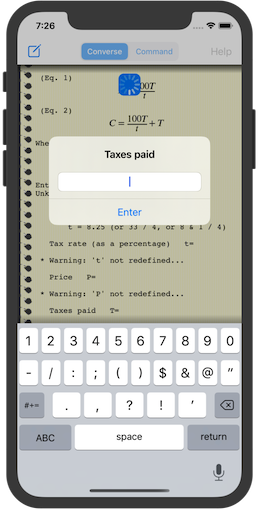
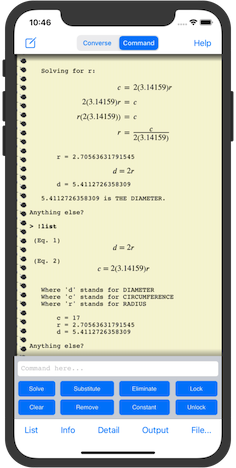
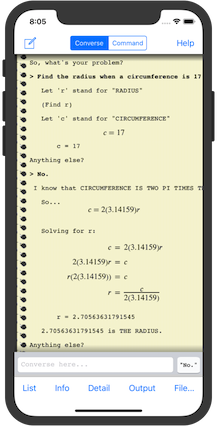
| AutoMathic lets you run scripted calculations from a large, built-in library if you want to do something commonplace. Scripted calculations are pre-built workflows that set up and perform complete calculations automatically! | AutoMathic lets you do manual calculations by accepting expressions and equations you enter yourself, and gives you the tools to manipulate them using familiar techniques from algebra. | AutoMathic lets you do free-form calculations by translating English-like, conversational input into variables, expressions, and equations to be solved... and then it solves them! You tell it what you know, and ask it what you want to find out! | ||||||||||||||||||
 |
 |
 |
||||||||||||||||||
Instead of rigid equation
libraries, it has a collection of task-oriented workflows
that conform to how you want to use them!
AutoMathic includes a library of scripted calculation files that use all of the Command-mode features to perform many useful, task-oriented calculations:
You can create your own custom scripts and import them into AutoMathic using the iOS Files app or iTunes File Sharing! |
Instead of requiring
"programming" with a low-level programming language, it lets
you create, use, save, and later reuse your own equations
just like the built-in equation libraries! Command mode gives you direct, low-level control to perform the following problem-solving tasks using the graphical user interface, or using the Command line itself:
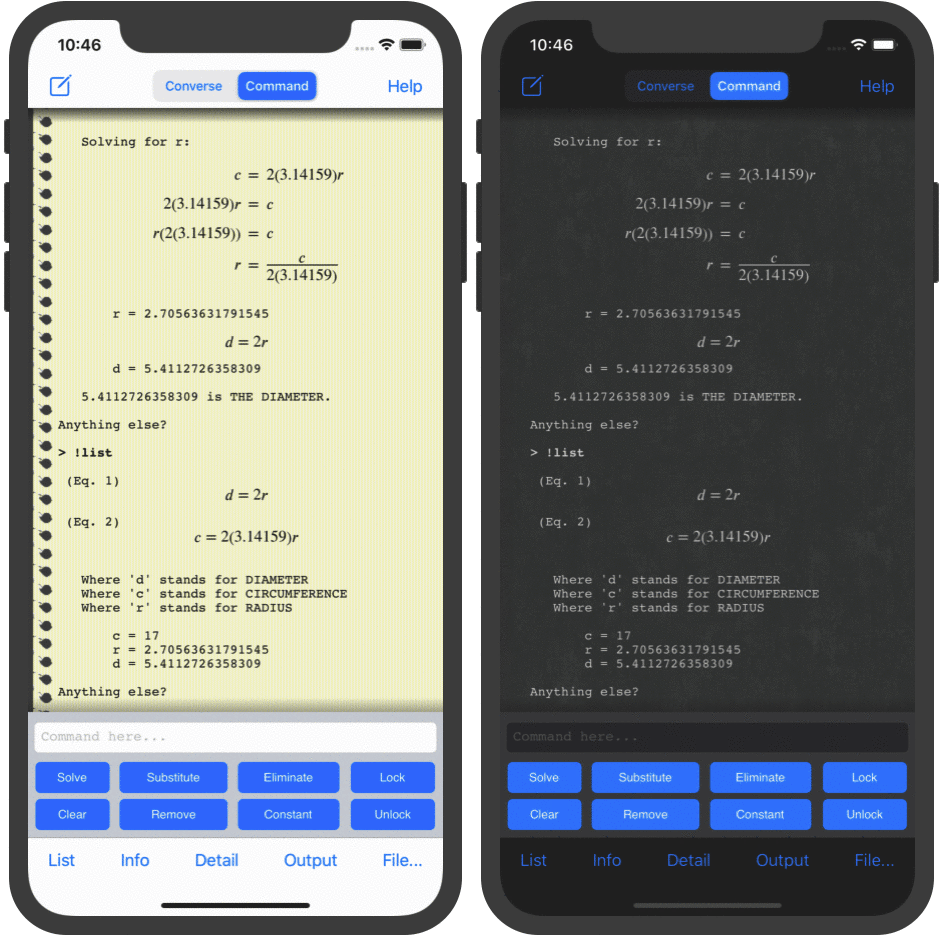
AutoMathic runs on iPhone, iPod touch, iPad,
macOS on Apple silicon, and visionOS!
Version 2.4 Available Now! Converse mode has new vocabulary for common area and volume units with "square", "cubic", etc. as prefixes (e.g. "[square feet]", "[sq in]", "[cubic meters]", "[cu in]"), recognizes split versions of some compound vocabulary words (e.g. "semi weekly", "table spoon"), and recognizes compound versions of some two-word vocabulary phrases (e.g. "degreesK") Choose between default font sizes for the output window! iOS and iPadOS 18 crash bug fix and support for Dark (and Tinted) app icons! AutoMathic is now compatible with macOS on Apple silicon and visionOS!  |
AutoMathic offers a
high-level, "natural-language" interface that accepts
free-form, conversational input and automatically pulls in
whatever background information is needed at the time from a
broad, built-in knowledgebase! You can even use your
voice to enter conversational input as speech! *
Basic Behavior and Language Skills
Vocabulary and Knowledgebase
Indirect Solution Strategies When AutoMathic cannot solve a problem by plugging-in the values of known variables to find unknowns, it may try to find them using a few indirect strategies:
|
||||||||||||||||||
* Voice input using iOS Dictation requires at least an iPhone 6S running iOS 10, or an active Internet connection for older iOS versions on older devices (iPhone 4S, iPad 3rd generation, iPad mini, iPod touch 5th generation) |